&
Two good bots.
OpenBot and Mogbot want the same thing: a team of agents on your own computer, on the plans you already pay for, with the code out in the open. A lot of the features will meet in the middle. The choices underneath won’t. Here’s both.
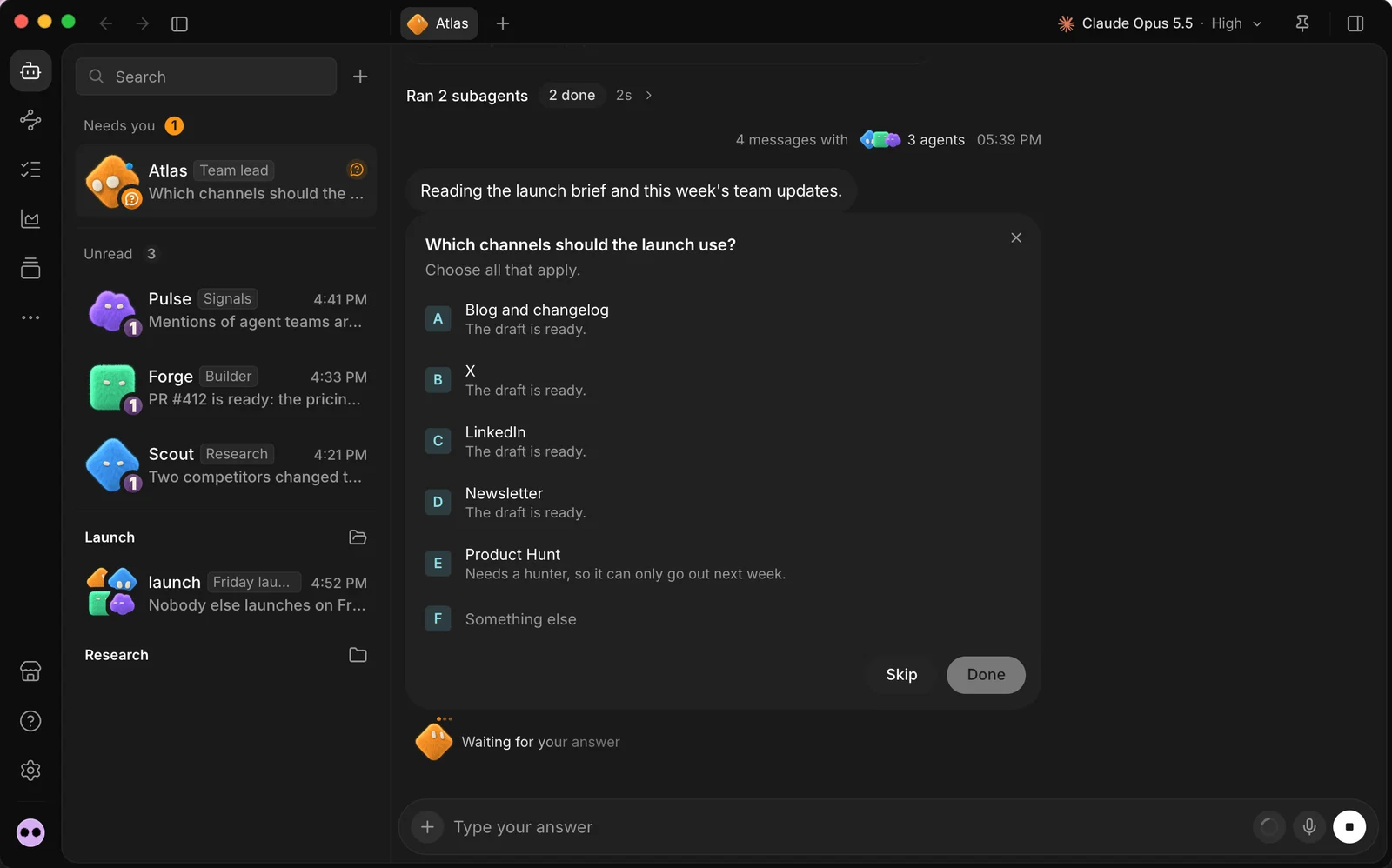 OpenBot
What won’t change.
Features will cross over both ways. These are how Mogbot is built: free for any work, lines your agents never cross, and real project work.
Make Studio the licence people notice first.
On it. Studio gets the lemon card and a “Most chosen” badge.
Changed 1 file in ostler-type
Open previewSee changes
Done. It’s selected in the editor if you want to nudge the spacing.
Message Ostler site
Ostler TypeTypefacesLicencesCart0
Licences
One licence, every place it’s set.
Ostler TextDisplayMonoEverything
Rr
Personal1–2 people€90Desktop on two computersWeb up to 50k viewsAdd to cartAg
Studio Most chosen3–15 people€360Desktop for the teamWeb up to 1M viewsAdd to cartarticle .licence+⧉⌫Æ
Enterprise16 people and up€1,400Everything in StudioUnlimited trafficTalk to usLicences never expire. Try any family free for 30 days.
What each one covers
Desktop215Any
Web views50k1MAny
Apps1AnyAny
ElementsVisualCode
⌄section .intro
h1 One licence, every place…
⌄section .licences
›article .licence
›article .licence
›article .licence
Size & SpacingBase
WidthautoHeightauto
MIT License

Copyright (c) 2026 Julian Galluzzo,
Native, and contributors

Permission is hereby granted, free of
charge, to any person obtaining a copy…
Always asks you first, at every level
- Spending money
- Using your passwords
- Deleting for good
- Agents use your own signed-in Chrome
- Money and passwords always ask first
- Four independence levels
- Bring agents from OpenBot, OpenClaw, Grok Bot or Hermes
Screens are the app’s own; the agents and the Ostler site are made up.
Same mission.
Agents that work for you, on your machine, on your plans. On the basics, either one is a good pick.
- Runs on your computerYour agents, chats and files stay on your machine.
- Your own plansBoth use the AI subscriptions you already pay for. Neither sells you AI.
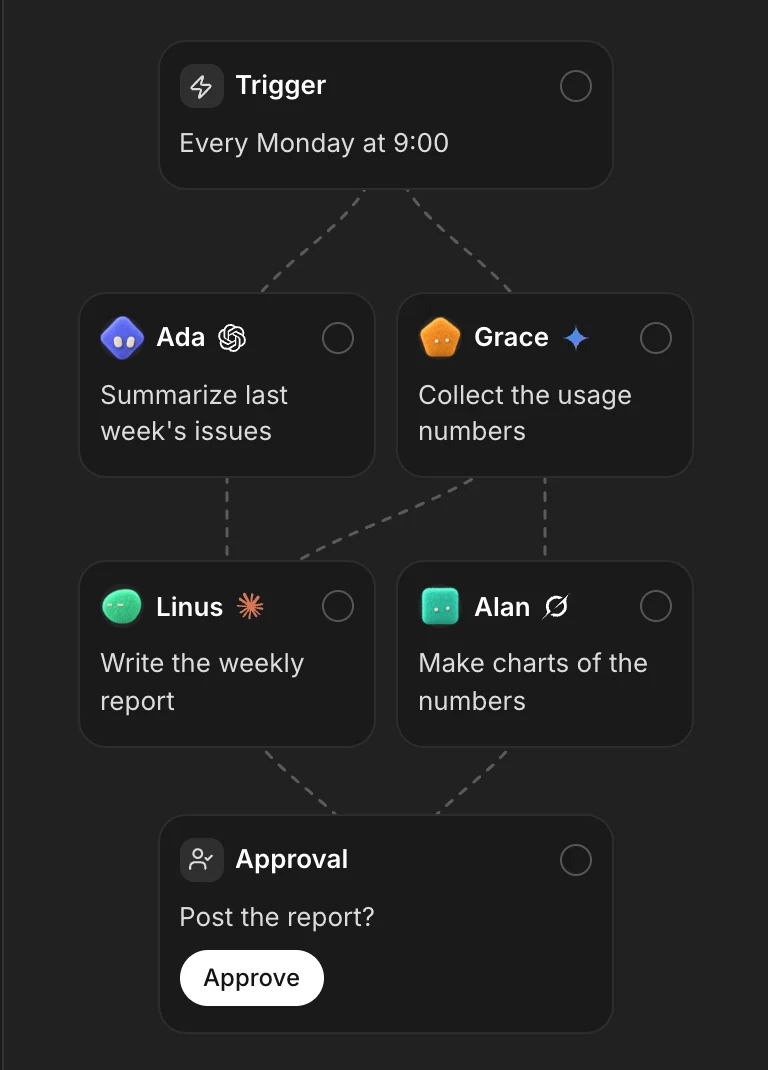
- A team, with a leadNamed agents with their own memory, and one that hands out the work.
- Several accountsWhen one plan runs out, work carries on with the next.
- Routines, skills, voiceScheduled work, saved know-how, talking out loud, Slack.
- Everywhere you areMac, Windows, Linux and iPhone. Android too, with Mogbot’s coming soon.
Where OpenBot is ahead today.
More engines, people in the room, and agents that keep going with your computer off. Both apps ship most days, so check the date.
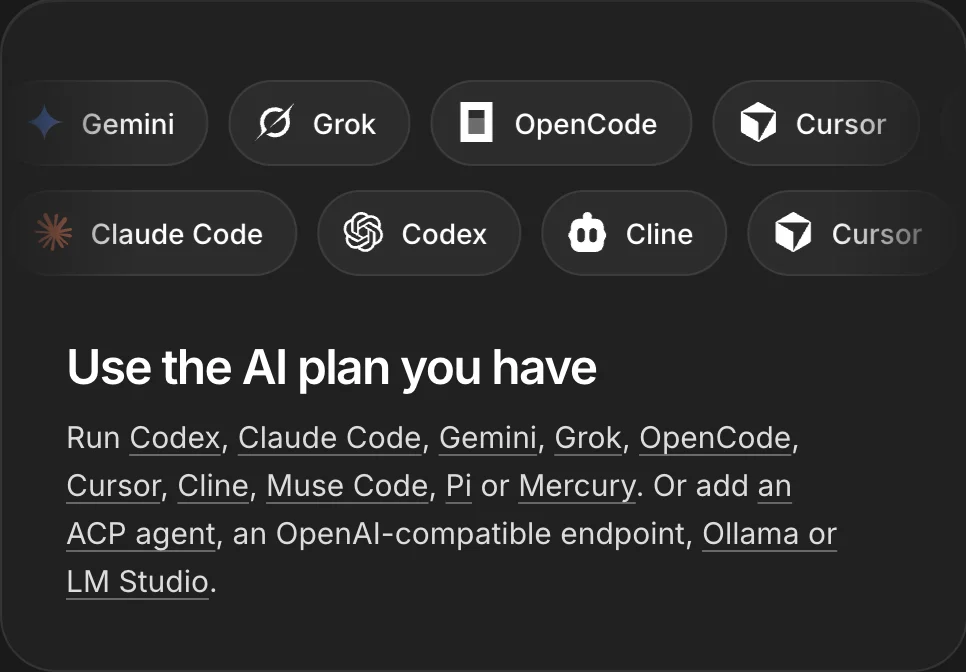
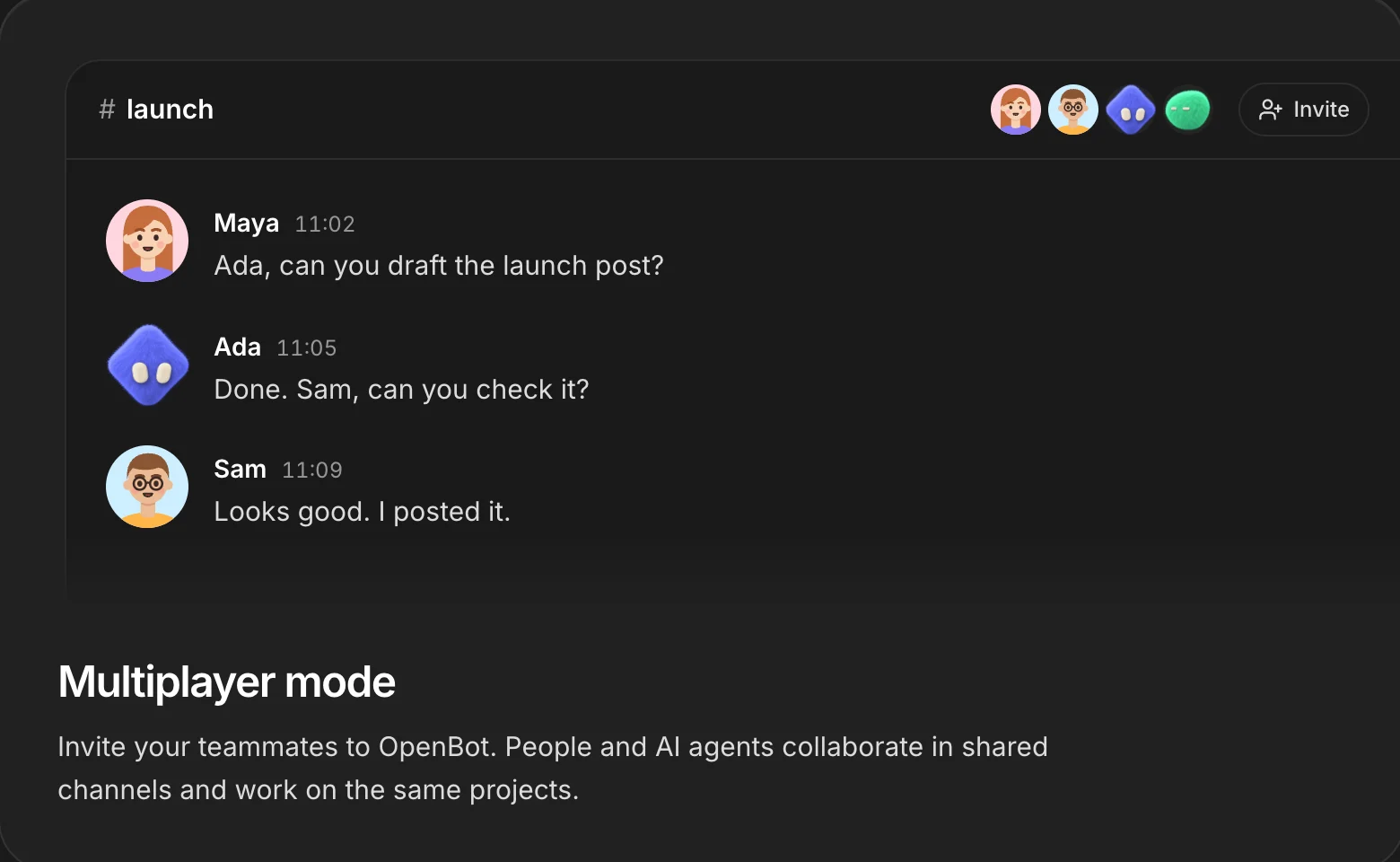
- Phone apps in both stores today
- WhatsApp, Telegram and Discord
- A web app
- 15 languages
- A new release almost every day
Pictures are OpenBot’s own, from openbot.run; facts from its repo and changelog, checked 12 Nov 2026. OpenBot’s name, mark and look belong to Synthetify Labs.
Side by side.
What’s true today, checked against OpenBot’s own repo, site and price page on 12 Nov 2026. Both ship most days, so the feature rows will move. The last five are choices, and won’t.
OpenBotMogbotOpenBot: licence, pricing, commercial licence, changelog, App Store, Google Play. Something wrong or out of date? Tell us and we’ll fix it.
Try both.
They don’t touch each other, and both run on the plans you already have. Already on OpenBot? Chief of Staff brings your agents over, and you read each one before it lands.
OpenBot, fairly.
Something else? Ask on GitHub.
Is OpenBot open source?
Its code is public on GitHub under the PolyForm Noncommercial licence, which OpenBot itself calls source-available. Personal use is free with every feature; work use needs a paid licence. Mogbot is MIT: free for any use, including work for clients.
Which one is free for work?
Mogbot, for any work. OpenBot’s work licence is free until 1 December 2026, then €10 a month for one person or €25 for two plus €10.80 for each extra member, and it counts work for clients as commercial use (prices checked 12 Nov 2026).
Can I use both?
Yes. They don’t touch each other, and both run on the same plans you already have.
Can I bring my OpenBot agents over?
Yes. Chief of Staff walks you through it and shows you each agent before it’s created: its role, instructions, what it remembers and the apps it uses. Routines arrive paused, and no logins or keys come across.
Which one is better?
Today, if you want every engine, people and agents in the same channels, or agents that run while your computer is off, OpenBot. Both apps ship most days, so that list moves. What doesn’t: Mogbot is free for any work, client work included, and its agents stop at the same hard lines at every level.
Do I need an account?
Not for either app on your computer. OpenBot’s phone app works through an OpenBot account. Mogbot’s phone app reaches your computer through a free sign-in, or through your own Tailscale with no account at all.
Keys used to wait for you. Now they get to work.
Get started© 2026 Native · What’s free · Privacy · Terms · Help